This example demonstrates creating a more complex axisymmetric geometry using a revolution operation.
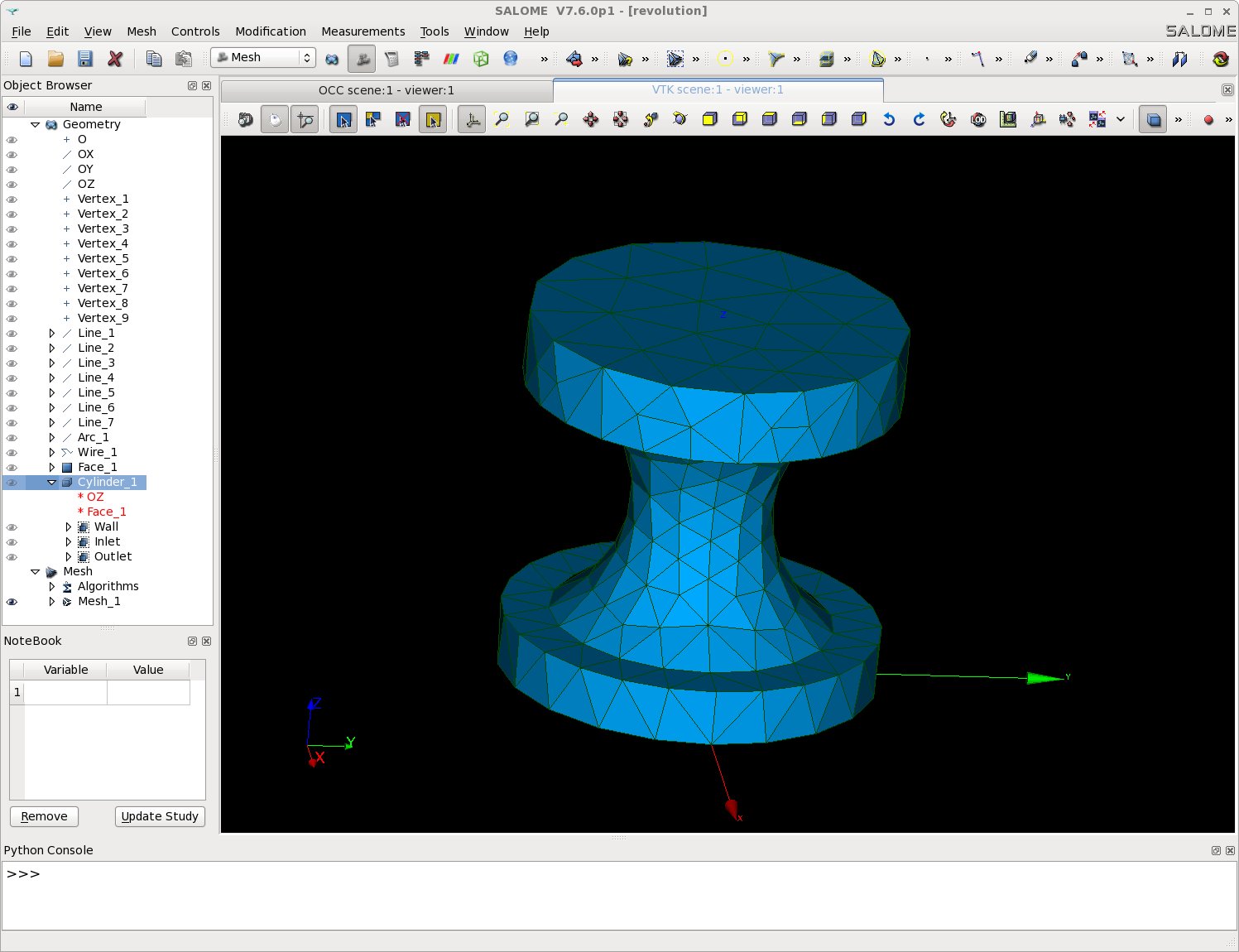
Revolution geometry example
Setup
mkdir -p TRUST_TUTORIALS/salome/exo2
cd TRUST_TUTORIALS/salome/exo2
$PathToSALOME/salome &
- Create a new study: File → New
- Select the Geometry module
Creating Points
Go to: New Entity → Basic → Point
Create the following vertices:
| Vertex | X | Y | Z |
| Vertex_1 | 0 | 0 | 0 |
| Vertex_2 | 1 | 0 | 0 |
| Vertex_3 | 1 | 0 | 0.3 |
| Vertex_4 | 0.75 | 0 | 0.3 |
| Vertex_5 | 0.375 | 0 | 1 |
| Vertex_6 | 0.75 | 0 | 1.6 |
| Vertex_7 | 1 | 0 | 1.6 |
| Vertex_8 | 1 | 0 | 2 |
| Vertex_9 | 0 | 0 | 2 |
Click "Apply and Close"
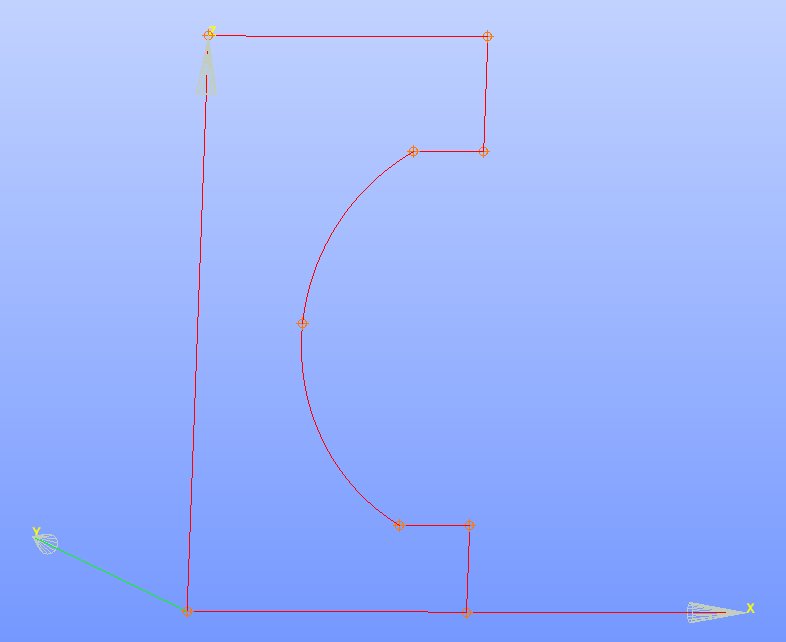
Points created
Creating Edges
- Create straight lines: New Entity → Basic → Line
- Line_1: Vertex_1 to Vertex_2
- Line_2: Vertex_2 to Vertex_3
- Line_3: Vertex_3 to Vertex_4
- Line_4: Vertex_6 to Vertex_7
- Line_5: Vertex_7 to Vertex_8
- Line_6: Vertex_8 to Vertex_9
- Line_7: Vertex_9 to Vertex_1
- Click "Apply and Close"
- Create an arc: New Entity → Basic → Arc
- Arc_1: Vertex_4 → Vertex_5 → Vertex_6
- Click "Apply and Close"
Creating the Revolution Solid
- Create a wire: New Entity → Build → Wire
- Wire_1: Select all lines (Line_1 through Line_7) and Arc_1 (use "Ctrl" for multi-selection)
- Click "Apply and Close"
- Create a face: New Entity → Build → Face
- Face_1: Select Wire_1
- Click "Apply and Close"
- Create the revolution: New Entity → Generation → Revolution
- Name: Cylinder_1
- Objects: Face_1
- Axis: Click the arrow button and select "OZ" from the Object Browser
- Angle: 360°
- Click "Apply and Close"
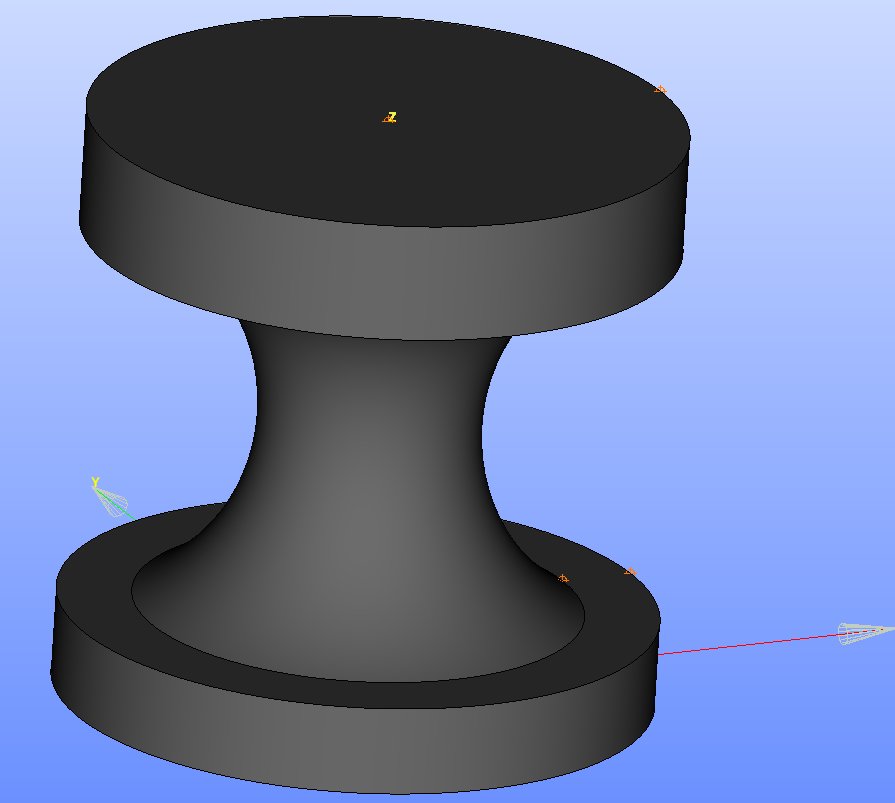
Revolution result
Creating Boundary Groups and Mesh
- Create boundary groups: New Entity → Group → Create Group
- Follow the same procedure as in the cylinder example
- Save your study:
- HDF format: File → Save/Save As...
- Python format: File → Dump Study...
- Create the mesh following the same procedure described in the cylinder section
Note: The solution file (revolution.py) is available at: $TRUST_ROOT/docs/exercices/salome

 1.16.1